
Picture this: You are on a weekend camping trip with no cell service. Back home, the internet goes down. Your spouse tries to log into the ISP portal to restart the router remotely or check if it's a neighborhood outage, but they don't have the password. It’s not in a sticky note on the fridge (which is risky), and it’s not in a shared email thread (which is worse). They are stuck.
This scenario happens more often than we like to admit. Families juggle dozens of accounts-utility bills, mortgage portals, smart home hubs, school dashboards-and usually, one person holds the keys to the kingdom. When that person is temporarily unreachable, the household grinds to a halt. The problem isn’t just inconvenience; it’s about maintaining control over your digital life when you can’t be there to manage it yourself.
The Problem With "Shared" Notes
Most families try to solve this by creating a shared document. You know the type: a Google Doc, a Notion page, or even a group text chat where passwords are pasted for easy access. On the surface, this seems practical. If one person forgets a login, the other can look it up instantly.
But this approach has a massive flaw: it exposes everything to everyone, all the time. If you put your Wi-Fi password, your bank login, and your work credentials in the same shared note, anyone with access to that note sees it all. There is no way to restrict who sees what. Furthermore, these platforms store data on their own servers in plain text or with encryption keys they control. That means the company hosting the note could theoretically read it, or hackers targeting that platform could steal it.
You need a system that allows sharing without exposing. You need password storage that keeps secrets secret until the exact moment they are needed.
How Conditional Access Works
The solution lies in a concept called conditional access continuity. Instead of handing over a master key to a partner or family member, you set specific rules for when and how they can access certain credentials. This ensures that sensitive information remains locked away during normal times but becomes available during emergencies or planned absences.
For example, imagine you are going on a business trip and will be offline for three days. You can configure a trigger so that your spouse receives access to the home security system codes and the utility account logins only if you haven't checked in by a certain date. Or, perhaps you are leaving the house for a few hours and want your babysitter to have the Wi-Fi password and the alarm code, but nothing else. These triggers can be time-based, based on inactivity, or manually released.
This level of granularity is impossible with standard shared documents. In a shared doc, once the link is sent, the data is out. With a secure system, you retain control. You can cancel a trigger at any time before it activates, ensuring that access is granted only when necessary.
Why Decentralized Storage Matters
When choosing a tool for sensitive family data, where that data lives is just as important as how it is encrypted. Traditional cloud services store your files on centralized corporate servers. If that company suffers a breach, goes bankrupt, or decides to change its privacy policy, your data is at risk. This is why many security-conscious users are turning toward decentralized storage, which distributes data across multiple nodes rather than keeping it in one vulnerable location.
Vaulternal uses a hybrid approach to ensure your credentials are safe and accessible regardless of external factors. It combines client-side encryption with distributed infrastructure. Here is how it works:
- Client-Side Encryption: Before any data leaves your device, it is encrypted using AES-256-GCM. This is the same standard used by governments and banks worldwide. Because the encryption happens on your device, Vaulternal never sees your plaintext passwords or files. They cannot read them, and they cannot recover them without your keys.
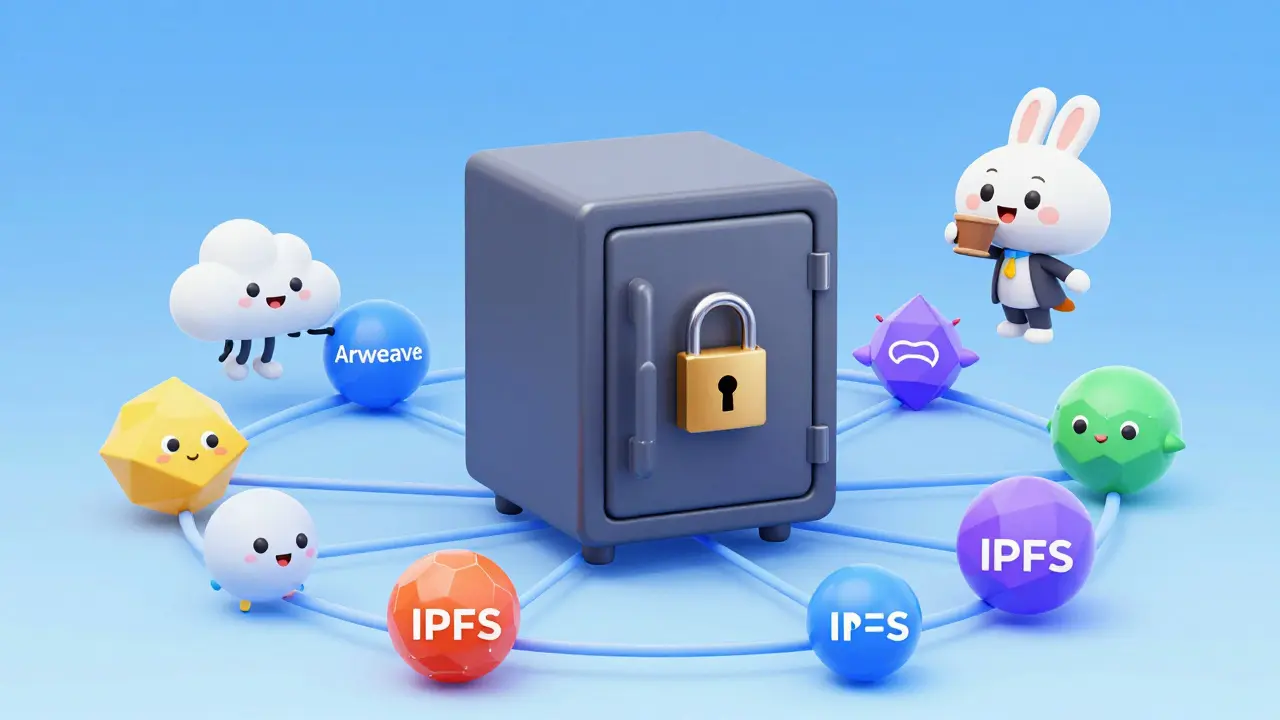
- Distributed Infrastructure: The encrypted chunks of data are stored across Arweave (for permanent storage), IPFS (for peer-to-peer distribution), and anchored via Polygon metadata. This means your data does not rely on a single server or company staying in business. Even if Vaulternal as a company ceased operations tomorrow, your encrypted data would remain intact and accessible to those you authorized.
This architecture provides a layer of resilience that traditional password managers lack. You are not trusting a corporation to hold your secrets; you are using a protocol to protect them.
Setting Up Your Family Digital Vault
Think of your secure credential repository as a digital vault. Just like a physical safe, you decide who gets a key, which drawers they can open, and under what circumstances they can use it. Setting this up for your family involves a few strategic steps.
First, identify which accounts truly need to be shared. Not every login requires access from another person. Focus on critical household infrastructure: internet providers, electricity/gas utilities, mortgage or rent portals, smart home systems, and perhaps a joint financial account. Keep personal social media or work credentials private unless absolutely necessary.
Next, define your trusted contacts. Who needs access? Is it your spouse? A parent helping with childcare? A neighbor who might water plants while you are away? For each person, create a separate recipient profile. This allows you to assign per-recipient encrypted access keys. Your spouse might get access to the mortgage portal, while the babysitter only gets the Wi-Fi and alarm codes. This separation of duties minimizes risk.
Finally, configure your triggers. Be realistic about your scenarios. If you travel frequently, set up an inactivity trigger that releases access after 48 hours of no contact. If you are having surgery, set a time-based trigger for the day of the procedure. Remember, you can always revoke these permissions before they activate. The goal is preparedness, not paranoia.
| Feature | Shared Note / Email | Vaulternal |
|---|---|---|
| Encryption | Server-side (Provider controlled) | Client-side AES-256 (Zero-knowledge) |
| Access Control | All-or-nothing (Everyone sees everything) | Granular (Per-recipient, per-item) |
| Storage Location | Centralized Corporate Servers | Distributed (Arweave/IPFS/Polygon) |
| Conditional Release | No (Once sent, it's gone) | Yes (Time, inactivity, manual triggers) |
| Data Persistence | Dependent on Provider | Permanent (Independent of Company) |
Practical Scenarios for Everyday Preparedness
Let’s look at how this plays out in real life. Consider the "weekend caregiver" packet. You are leaving town for a long weekend, and a grandparent is watching the kids. They need to know how to connect to the Wi-Fi, what the code is for the front door lock, and perhaps how to log into the streaming service the kids love. You don’t want to give them your banking details or work emails. With a system like share household passwords with Vaulternal, you can bundle just those three items into a single package. You set a trigger for Friday evening, and the grandparent receives a simple link to view those specific credentials. Once the weekend is over, the access expires or is revoked.
Another common situation is the "temporary hospital stay." If you are scheduled for a minor procedure and will be sedated for a day, your partner might need to access your insurance portal or coordinate with care providers. By setting a time-based trigger, you ensure they have the information they need exactly when they need it, without having to worry about remembering to hand over a piece of paper before you go under.
These examples highlight the importance of flexibility. Life is unpredictable, but your access controls don’t have to be rigid. The ability to adjust triggers on the fly gives you peace of mind. You are not locking yourself out; you are building a safety net.
Getting Started Without Breaking the Bank
Security shouldn’t be a luxury. Many people assume that enterprise-grade encryption and decentralized storage come with a hefty price tag. However, tools designed for individual and family use are becoming more accessible. For instance, Vaulternal offers a Free plan that includes 2 GB of storage at no cost, requiring no credit card. This is often enough for most families to store their essential credentials and emergency documents.
If you have larger files or need unlimited storage, paid plans like Starter ($7/mo billed annually) and Pro ($15/mo billed annually) provide additional capacity. The key takeaway is that you can start securing your family’s digital life today without a significant financial commitment. The investment is minimal compared to the stress and potential loss caused by lost access to critical accounts.
Maintaining Your System
Like any security measure, a digital vault requires occasional maintenance. Passwords change, accounts are closed, and family dynamics shift. Make it a habit to review your shared credentials every six months. Ask yourself: Does my spouse still need access to this old project account? Has the babysitter changed? Are my triggers still relevant?
Update your encryption keys if you suspect any compromise, though with zero-knowledge architecture, the risk is low as long as your device is secure. Keep your recovery phrases safe, preferably written down and stored in a physical safe, not digitally. This ensures that even if you lose access to your primary device, you can still recover your vault.
By taking these steps, you transform password management from a source of anxiety into a streamlined process. You gain the freedom to disconnect from your devices without worrying about leaving your household stranded. You ensure that the right people have the right access, at the right time, under your terms.
Is Vaulternal a traditional password manager with browser autofill?
No. Vaulternal focuses on secure, conditional sharing of credentials and files rather than automated browser autofill. It is designed for situations where you need to grant specific access to another person under defined conditions, such as during travel or temporary unavailability.
What happens if I forget my master password?
Because Vaulternal uses zero-knowledge encryption, the company cannot reset your password or recover your data. You must keep your recovery phrase safe. If you lose both your password and recovery phrase, the data remains encrypted and inaccessible. This is a core feature of true privacy.
Can I change a trigger after I have set it?
Yes. You retain full control over your triggers. You can modify, pause, or cancel any trigger before it activates. This ensures that if your plans change-for example, you return from a trip early-you can prevent unnecessary access.
Does Vaulternal store my data on its own servers?
No. Vaulternal uses decentralized storage networks including Arweave, IPFS, and Polygon. Your data is encrypted on your device before upload and distributed across these networks, meaning it does not reside on a single corporate server.
Is the free plan sufficient for a family?
For most families, yes. The Free plan offers 2 GB of storage, which is ample for storing text-based passwords, login details, and small emergency documents. Paid plans are available for those needing unlimited storage or larger file attachments.