
Imagine spending hours creating a digital artwork, minting it as an NFT, and watching someone pay thousands of dollars for it. Then, six months later, you click the link in your wallet, and... nothing. Just a broken image icon or a 404 error. The art is gone. The metadata is missing. You just lost value because the server hosting the file shut down.
This isn’t a hypothetical nightmare; it’s called "link rot," and it has plagued the NFT industry since its inception. In fact, a 2022 study by Stanford University found that nearly one-third of NFTs minted on Ethereum in 2021 had already become inaccessible due to failed centralized storage links. If you are looking to create, buy, or hold NFTs in 2026, understanding how to store them correctly is no longer optional-it is essential.
The solution? IPFS, or the InterPlanetary File System. It is the backbone of modern decentralized storage, allowing NFT creators to ensure their assets remain accessible forever, regardless of who hosts them. But how does it actually work, and why should you care?
What Is IPFS and Why Do NFTs Need It?
To understand IPFS, you first need to understand the problem with traditional websites. When you visit a website like `example.com`, your browser asks a specific server at a specific location (an IP address) for data. That is "location-based addressing." If that server goes down, the site disappears.
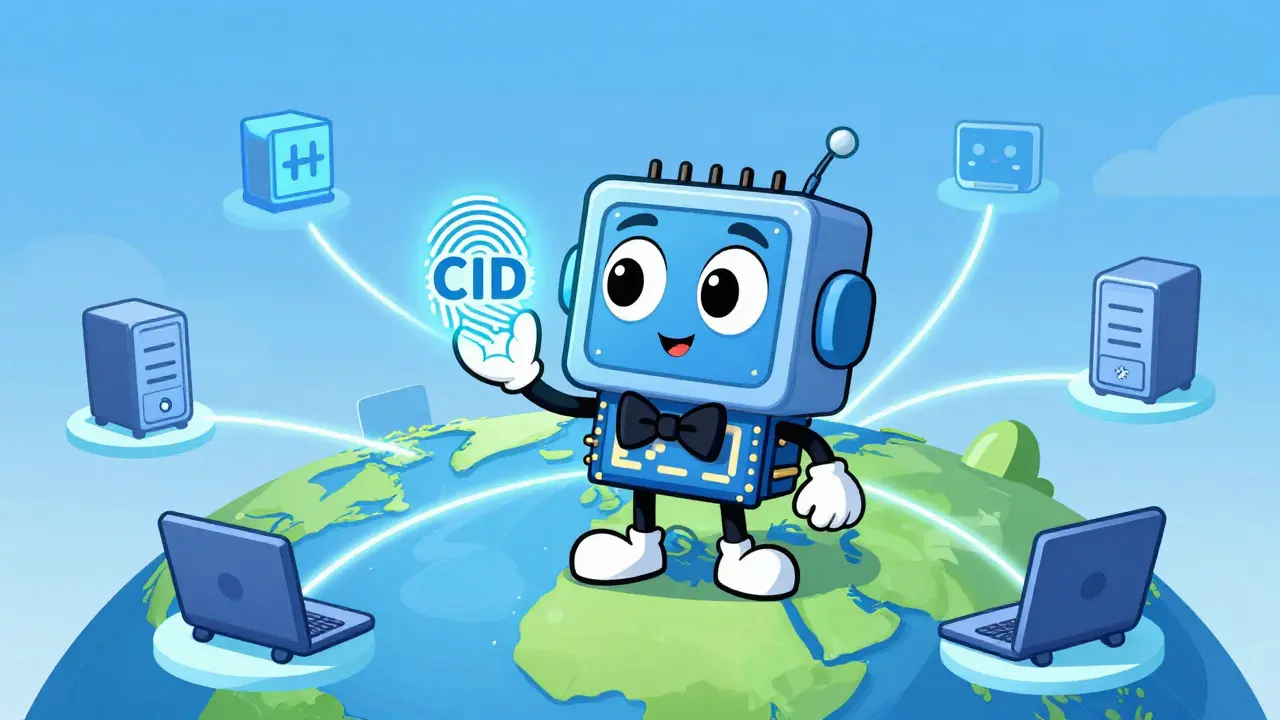
IPFS flips this model. Instead of asking "where is the file?" it asks "what is the file?" It uses cryptographic hashing to create a unique fingerprint for every piece of data. This fingerprint is called a Content Identifier (CID). No matter where the file is stored-on your laptop, a server in Tokyo, or a node in New Zealand-if the content is identical, the CID remains the same.
For NFTs, this is revolutionary. Blockchains like Ethereum are incredibly secure but expensive for storing large files. Storing a high-resolution image directly on-chain can cost hundreds of dollars per megabyte. Instead, developers store the actual image and metadata off-chain using IPFS, and then save only the lightweight CID on the blockchain. This creates a permanent, verifiable link between the token and the asset without bloating the blockchain.
How IPFS Works: The Mechanics of Decentralization
When you upload a file to IPFS, the system doesn't just copy it to a single hard drive. It breaks the file into smaller chunks and distributes them across a peer-to-peer network of nodes. Each node stores only the content it is interested in or has been paid to keep.
Here is the critical part: IPFS is not inherently permanent. Because nodes only store what they want, if no one is "interested" in your file, nodes will eventually delete it to free up space. This process is called garbage collection. To prevent your NFT from vanishing, you must use a service called Pinning.
Pinning tells a node, "Keep this file forever, I don't care if anyone else wants it." You can pin files yourself by running an IPFS node on your computer, but that requires technical expertise and constant uptime. Most creators rely on third-party pinning services to handle this burden.
| Storage Solution | Cost Model | Permanence Guarantee | Best For |
|---|---|---|---|
| IPFS | Free (self-hosted) or Subscription | Depends on Pinning Strategy | Most NFT Projects, Metadata |
| Arweave | One-time upfront payment | Permanent (Endowment model) | High-value, Long-term Archives |
| Filecoin | Pay-per-GB/month | Contract-based reliability | Large-scale Enterprise Data |
| AWS S3 (Centralized) | Pay-per-use | None (Server dependent) | Temporary Prototypes Only |
The Critical Role of Pinning Services
If IPFS is the car, pinning is the gas. Without it, you aren't going anywhere. Since most users cannot run their own 24/7 servers, they turn to pinning services. These companies maintain large networks of nodes dedicated to keeping your CIDs alive.
Two major players dominate this space: Pinata and NFT.Storage.
Pinata is a commercial service known for its robust API and dashboard. As of late 2023, their basic plan started around $19 per month for 1TB of storage. It is popular among professional studios because it offers analytics and reliable uptime guarantees. However, if you stop paying, your pins may disappear.
NFT.Storage, backed by Protocol Labs (the creators of IPFS), offers a free tier for up to 5GB. This has made it the go-to choice for individual artists and small collections. In recent years, they introduced "Verifiable Storage," which uses the Filecoin blockchain to provide cryptographic proof that your data is still being stored. This adds a layer of trust that pure IPFS pinning sometimes lacks.
A pro tip for serious collectors and creators: never rely on a single pinning service. Use a multi-redundancy strategy. Pin your assets on NFT.Storage for free, and also pin them on Pinata or a self-hosted node. If one service fails, the other keeps your NFT alive.
Common Pitfalls and How to Avoid Them
Even with IPFS, mistakes happen. Here are the most common issues creators face:
- Gateway Dependence: Most people access IPFS via HTTP gateways like `ipfs.io` or `cloudflare-ipfs.com`. These gateways can go down or block content. Always test your CIDs on multiple gateways to ensure accessibility.
- Mutability Confusion: Once a file is hashed into a CID, it is immutable. You cannot edit the image. If you make a mistake, you must upload a new file, generate a new CID, and update your smart contract or metadata pointer. This is why double-checking your JSON metadata before uploading is crucial.
- Privacy Misconceptions: IPFS is public by default. Do not store sensitive personal information or private keys on IPFS. Anyone with the CID can download the file.
- CID Version Issues: Older CIDs start with `Qm` (v0), while newer ones start with `bafy` (v1). Some older wallets or marketplaces might have trouble resolving v1 CIDs. Check compatibility with your target platform before deploying.
The Future of NFT Storage
As we move through 2026, the landscape is evolving. The sheer volume of NFT data has pushed IPFS to handle over 1.2 exabytes of related content. This scale has driven innovation in replication algorithms and integration with Layer 2 solutions.
We are seeing a shift toward hybrid models. For example, some projects now use Arweave for the core image (paying once for true permanence) and IPFS for mutable metadata that might need updates. Additionally, protocols like Optimism are experimenting with "NFT Resurrection" features that automatically repin content using transaction fees, reducing the risk of human error in pinning management.
While alternatives like Arweave offer stronger permanence guarantees out of the box, IPFS remains the dominant standard due to its flexibility, widespread developer support, and deep integration with existing tools. It is not just a storage solution; it is the infrastructure of the decentralized web.
Is IPFS truly permanent for NFTs?
Not automatically. IPFS itself is a protocol for sharing files, not a permanent archive. Files stay available only as long as at least one node is "pinning" them. To ensure permanence, you must use a reliable pinning service like Pinata or NFT.Storage, or implement a redundant pinning strategy across multiple providers.
What is the difference between IPFS and Arweave?
IPFS uses a content-addressing model where files are distributed across peers and require ongoing pinning to stay online. Arweave uses an endowment model where you pay a one-time fee calculated to cover storage costs for 200 years. Arweave is generally considered more permanent out-of-the-box, while IPFS is more flexible and widely integrated with current NFT tools.
Can I host my own IPFS node for NFT storage?
Yes, you can run an IPFS node on your computer or a cloud server. This gives you full control and avoids monthly subscription fees. However, it requires technical knowledge to set up, maintain uptime, and manage bandwidth. For most creators, using a managed pinning service is easier and more reliable.
Why do my NFT images sometimes show as broken?
This usually happens due to "link rot." If the original centralized server went down, or if the IPFS pin was removed (unpinned), the file becomes inaccessible. Another cause is gateway failure; if the public gateway you are using is overloaded or blocked, the image won't load. Try accessing the CID via a different gateway like `dweb.link` or `cloudflare-ipfs.com`.
Is IPFS free to use?
The IPFS protocol itself is open-source and free. However, ensuring your files persist often requires pinning services. Services like NFT.Storage offer free tiers for small amounts of data, while commercial providers like Pinata charge monthly fees based on storage and bandwidth usage. Self-hosting is free but requires hardware and electricity costs.