
Imagine you are packing for a three-week backpacking trip across Southeast Asia. You have your passport, your travel insurance policy, and the emergency contact details for your local guide. Now imagine you lose your phone in a bustling market in Bangkok. How does your partner back home access those documents? If they are sitting in an email draft or a standard cloud folder, they might be locked out by a two-factor authentication code that only lives on your missing device.
This is where Vaulternal comes into play. It is not just another file hosting service; it is a secure digital vault designed for conditional access continuity. Instead of relying on hope or complex legal setups, you can set up specific triggers that release encrypted files to trusted contacts when you define them. For travelers, remote workers, or anyone planning time away from their usual routine, this tool offers peace of mind without the heavy administrative burden.
Why Standard Cloud Storage Falls Short for Emergency Access
We all use standard cloud services like Google Drive or Dropbox. They are great for collaboration and everyday backups. But they have a critical flaw for sensitive document sharing: they rely on account recovery processes that often require identity verification. If you are unreachable, your family cannot simply "reset" your password to get in. The system locks them out to protect your privacy, which ironically becomes a barrier when they need urgent information.
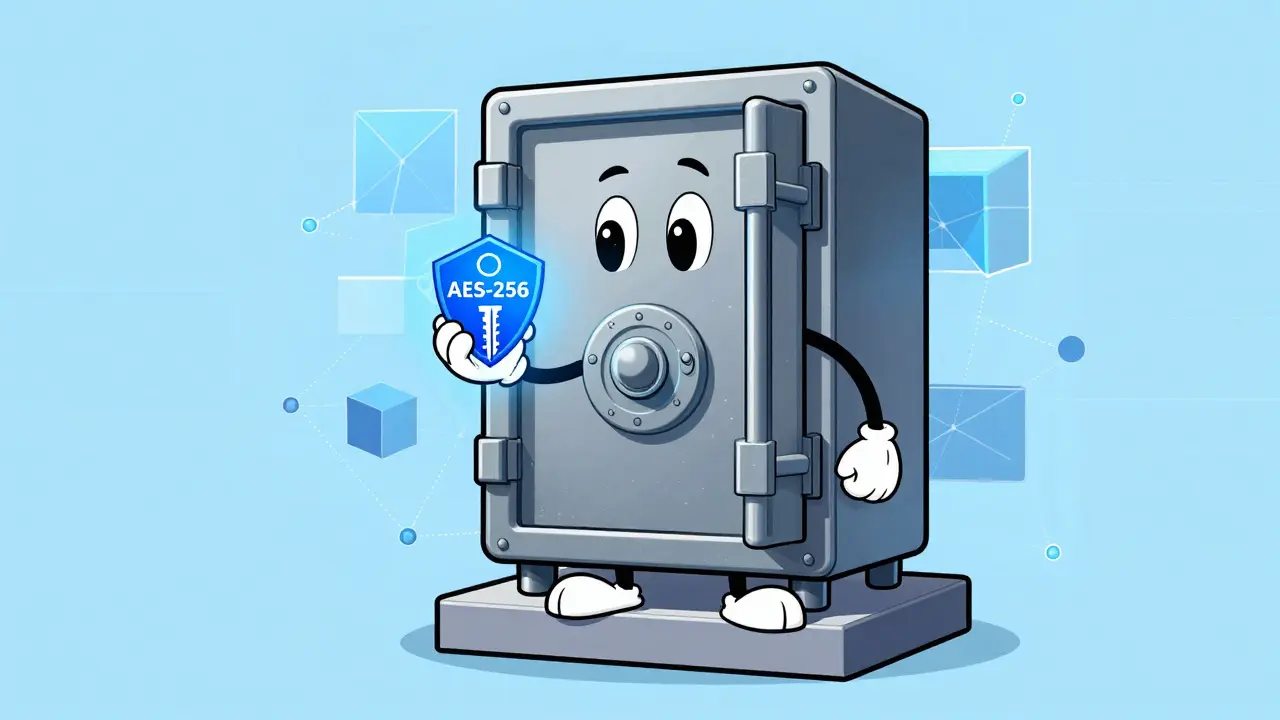
Vaulternal solves this by using client-side AES-256 encryption. This means your files are encrypted on your device before they ever leave your hands. The platform never sees your data in plain text. More importantly, it uses a zero-knowledge architecture. Even if the company wanted to help someone access your files, they technically could not. The keys live with you-and only you can decide who gets a copy of those keys and under what conditions.
The Core Mechanism: Conditional Access Triggers
The heart of Vaulternal is its access trigger system. Think of these triggers as smart locks on your digital doors. You don't hand over the key immediately. Instead, you set rules for when the lock opens. This concept is called conditional access continuity, and it transforms how we think about sharing sensitive data.
Here are the four main types of triggers available:
- Time-based triggers: Release a file after a specific date. For example, you might upload a letter to yourself or a message for your partner scheduled to open on your wedding anniversary.
- Inactivity-based triggers: If you do not log in or confirm your status within a set period (say, 30 days), the files unlock for your designated recipients. This is perfect for long expeditions where internet access is spotty.
- Trusted-contact triggers: A recipient must verify their identity or respond to a prompt before accessing the content. This adds a layer of confirmation to prevent accidental releases.
- Manual triggers: You hold the remote control. You can choose to release files instantly if a situation arises unexpectedly.
For travel records, the inactivity trigger is particularly useful. If you are hiking in a remote area without signal, your partner knows that if you haven't checked in by a certain date, they will automatically gain access to your itinerary and insurance details via the decentralized storage network.
Sharing Travel Documents Safely
Travel involves more than just booking flights. You carry digital copies of passports, visas, vaccination records, and rental agreements. Storing these in a digital vault ensures they remain private yet accessible. Here is how you can structure this workflow:
- Gather your documents: Scan your passport, driver's license, and travel insurance policy. Create a single PDF for easy handling.
- Upload to Vaulternal: Use the web interface at vaulternal.com to upload the file. Remember, the file is chunked and integrity-hashed before being sent to the distributed infrastructure.
- Select recipients: Add your partner or emergency contact's email address. You can add multiple recipients if needed.
- Set the trigger: Choose an inactivity trigger. For a two-week trip, you might set the timer for 14 days plus a buffer of 3 days. If you check in before then, the timer resets. If not, the files are released.
- Confirm and store: Save your settings. Your contact receives a notification that a secure package is waiting for them, but they cannot open it until the condition is met.
This process removes the anxiety of "what if." Your family has a clear path to the information they need, and you know that no one else-not even the service provider-can peek at your personal data.
Handling Insurance Policies and Medical Records
Insurance documents are often dense and hard to find in a crisis. Having immediate access to policy numbers, coverage limits, and emergency hotlines can speed up claims and medical assistance. Vaulternal allows you to separate these documents from your general file storage.
You can create a dedicated folder for "Emergency Insurance" and apply a different trigger strategy. Perhaps you want this folder to be accessible manually only, so you retain full control unless you explicitly decide to share it. Or, you might combine it with a time-based trigger if you are undergoing a scheduled medical procedure where you expect to be unconscious or unable to communicate for a short period.
It is crucial to note that while Vaulternal secures the delivery, it does not replace professional advice. Always keep physical copies of critical documents in a safe place at home. The digital vault serves as a redundant, accessible backup for when physical access is impossible.
The Technology Behind the Security
To trust a service with your most sensitive records, you need to understand where the data lives. Vaulternal does not store files on a single corporate server. This reduces the risk of a single point of failure or a massive data breach compromising millions of users' files at once.
Instead, it utilizes a hybrid approach involving blockchain storage technologies:
- Arweave: Provides permanent storage. Once your data is uploaded, it is stored forever, ensuring that your files do not disappear due to server maintenance or deletion errors.
- IPFS (InterPlanetary File System): Enables peer-to-peer distribution. This makes retrieval faster and more resilient, as the data is replicated across many nodes.
- Polygon: Used for on-chain metadata anchoring. This creates a verifiable record that your file exists and has not been tampered with, without storing the actual content on the blockchain.
You can read more about this technical setup on the architecture page on vaulternal.com. For the average user, this means higher durability and privacy compared to traditional centralized clouds.

Plans and Pricing: What Do You Get?
Vaulternal offers three tiers to accommodate different needs. Since security and features are consistent across plans, the main difference lies in storage capacity.
| Plan Name | Price | Storage Limit | Best For |
|---|---|---|---|
| Free | $0 | Limited | Trying out the platform with a few essential documents. |
| Starter | $8.33/mo (billed annually) | Standard | Individuals needing moderate space for travel docs and passwords. |
| Pro | $15/mo (billed annually) | Unlimited | Families or frequent travelers with extensive document archives. |
If you only need to store a few PDFs for occasional trips, the Free plan might suffice. However, for comprehensive coverage including high-resolution scans and multiple policies, the Starter or Pro plans offer better value and flexibility.
Beyond Emergencies: Sending Messages to Your Future Self
While security is the primary draw, Vaulternal also enables creative personal uses. The time-based trigger feature allows you to send a letter to your future self. Imagine writing a reflection on your current goals, fears, and hopes, and setting it to unlock in five years. Or, you could record a video message for your child's birthday next year.
This functionality works exactly like the document sharing but focuses on personal sentiment rather than utility. It leverages the same robust encryption and distributed storage, ensuring your private thoughts remain truly private until the moment you designate. It turns the platform into a secure journal that respects your timeline.
Getting Started With Vaulternal
Setting up your first vault is straightforward. Visit vaulternal.com and create an account. You will be prompted to generate your master key. Treat this key like the combination to a physical safe-if you lose it, there is no customer support reset. Store it securely offline.
Once logged in, navigate to the "Create Vault" section. Upload your first document, select your recipients, and configure your trigger. Test the system by sending a dummy file to yourself with a short time delay to see how the notification and access flow works. Understanding the interface beforehand ensures confidence when you load it with real travel or insurance records.
By integrating decentralized storage with user-defined access controls, Vaulternal bridges the gap between privacy and accessibility. It empowers you to take charge of your digital footprint, ensuring that when life takes you off-grid, your loved ones aren't left in the dark.
Can I change my access triggers after setting them?
Yes, you can modify or cancel triggers at any time as long as you have access to your account. If you are actively using the platform, you maintain full control over when and how files are released.
What happens if I forget my master key?
Because Vaulternal uses a zero-knowledge architecture, the company cannot recover your files without your key. This is why it is critical to store your master key securely in a physical location or a secondary secure method outside the platform.
Is Vaulternal suitable for storing cryptocurrency wallet recovery phrases?
Yes, the client-side AES-256 encryption makes it a secure option for password storage and sensitive credentials like recovery phrases. Just ensure you set appropriate triggers so you don't accidentally lock yourself out.
How does the inactivity trigger work exactly?
You set a duration (e.g., 30 days). If you do not log in or confirm your status within that window, the system assumes you are unavailable and releases the files to your designated recipients. Logging in resets the timer.
Can I send a video message to myself in the future?
Absolutely. You can upload video files and set a time-based trigger to unlock them on a specific date. This is a popular way to send a video to yourself in the future for milestones or personal reflections.